Tools Adobe Premiere Pro Adobe Audition & Podcasts Adobe Photoshop Google Docs Zoom Workspace
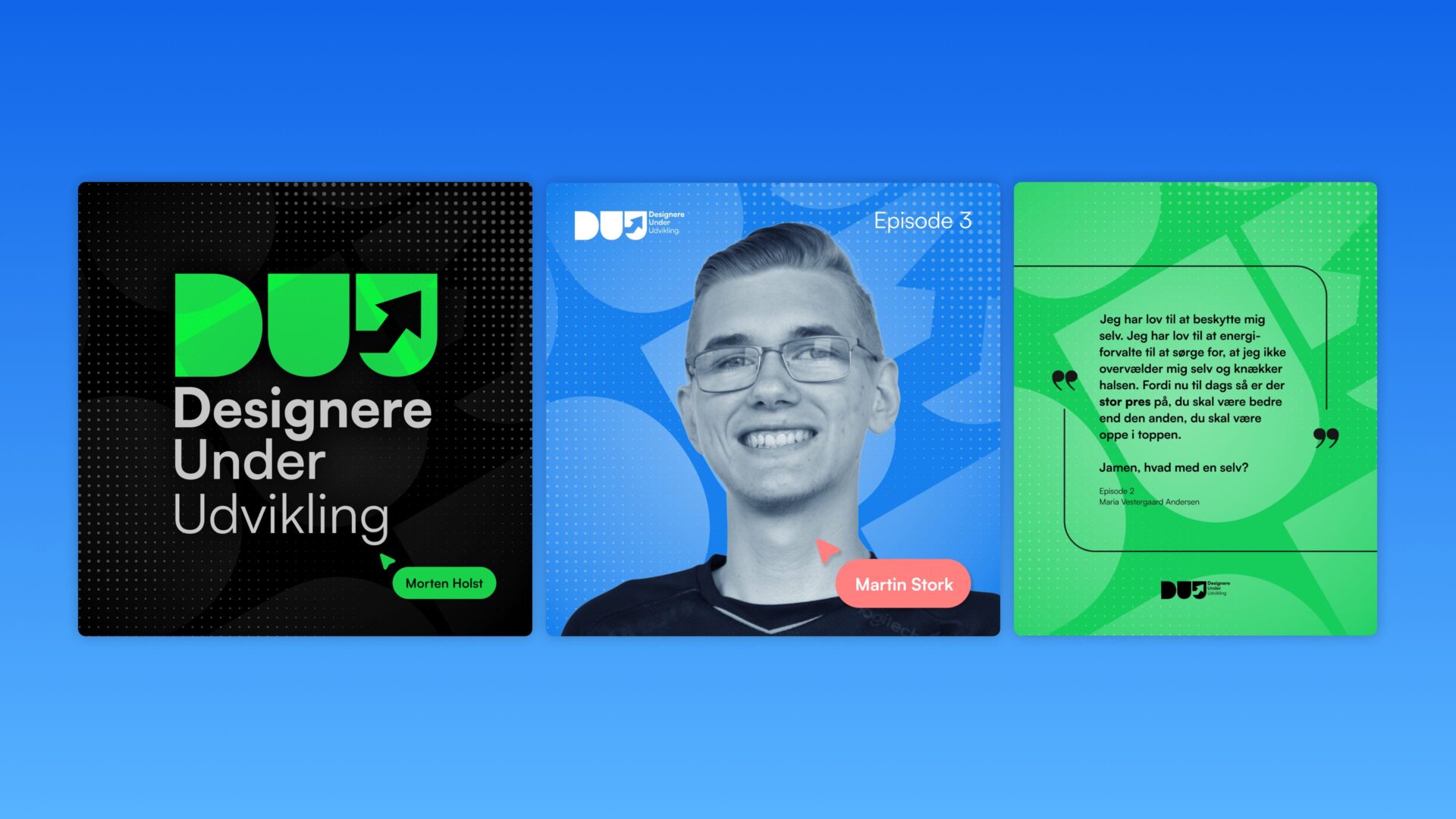
During my specialization period, I’ve made a podcast where I have conversations with my classmates about the design world, our studies and our expectation to the future job market.
During this, I’ve also had to promote the podcast on social platforms, focusing on Instagram & LinkedIn where my target audience primarily residences, but also on TikTok for a few short form content videos.
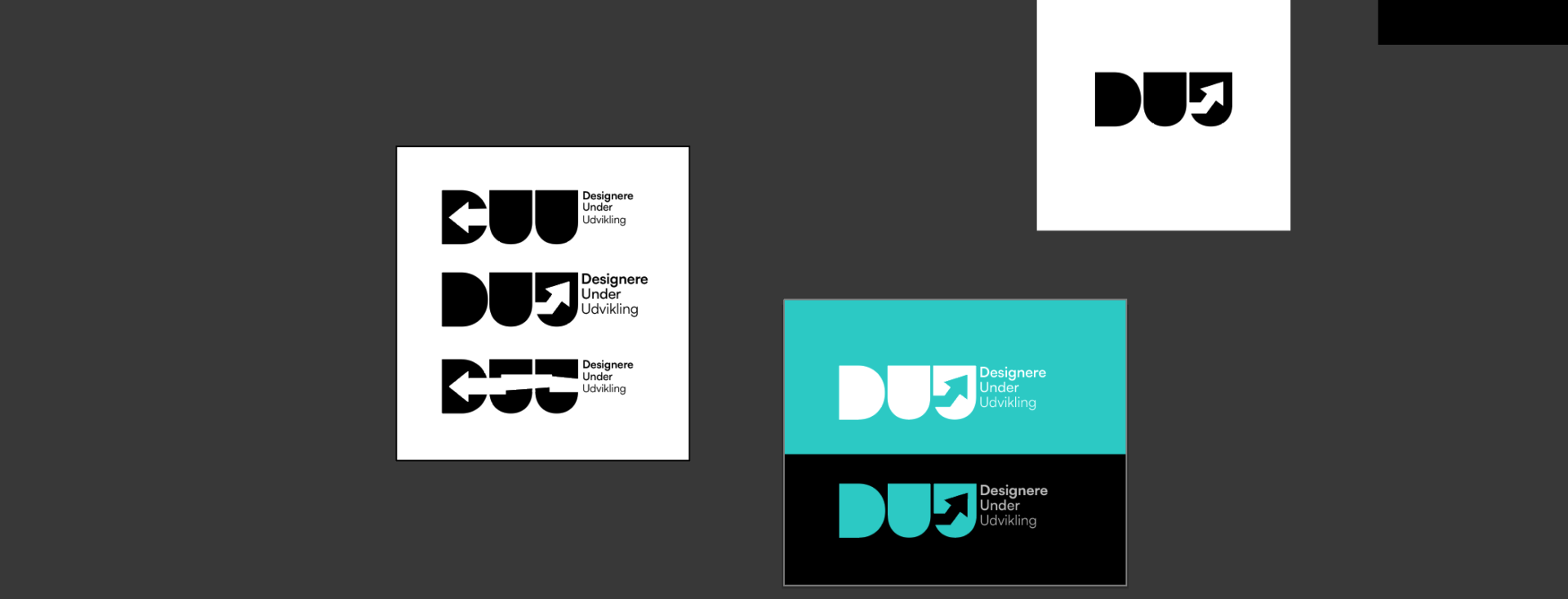
I’ve started to brand the podcast in a way that would fit my target audience of Designers. I’ve thought that this podcasts audience, is a bit niche, but is for Designers & Business folk alike.
When designing the podcast, I’ve went through different iterations of how the branding should look. Until I landed on a clean and minimalistic colorful design – created in Adobe Photoshop. It was also very important for me that the simplistic design was memorable but also easy to edit per. episode cover.
The techincal part
When making the podcast itself, I used Zoom Workspace. It’s an easy, free application that allows you to host long distance meetings for up to 40 minutes. The best part about Zoom is that you get both audio files. That makes it easier to edit inside of Adobe Audition.
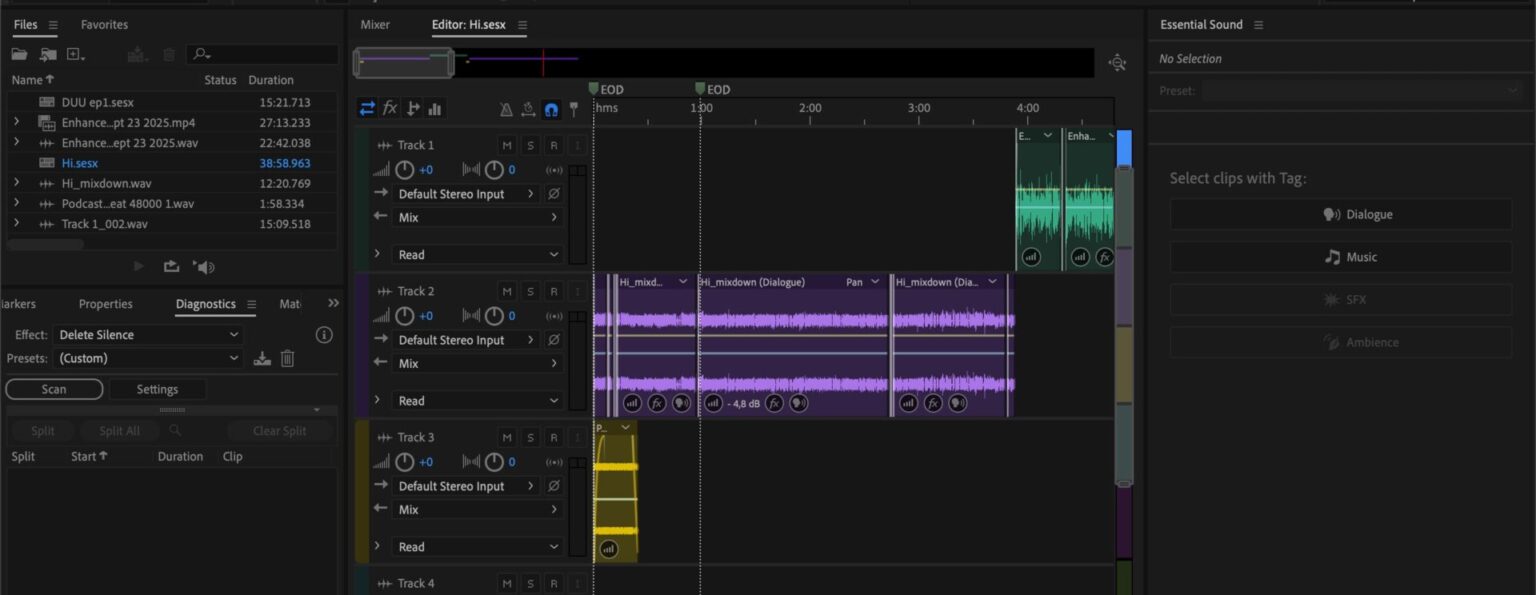
The work from Adobe Audition isn’t a difficult and big process. I use Adobe Podcast to clean up the audio, and Adobe Audition to remove silences, add music and make it ready for release.
Every episode was released with Spotify for Creators, and was released on all major danish podcasting services.